Este artículo solo está disponible en inglés.
Para Klaviyo admins · Actualizado el 20 oct 2026
Connect Klaviyo to Scowtt
Klaviyo connects through a native connector in the Scowtt app. You authorize access with a standard OAuth login, so no credentials are shared directly with Scowtt.
Before you start
- Klaviyo admin access.
- A login for the Scowtt app from your Sales Rep or Account Manager.
Steps
-
Open Integrations in Scowtt
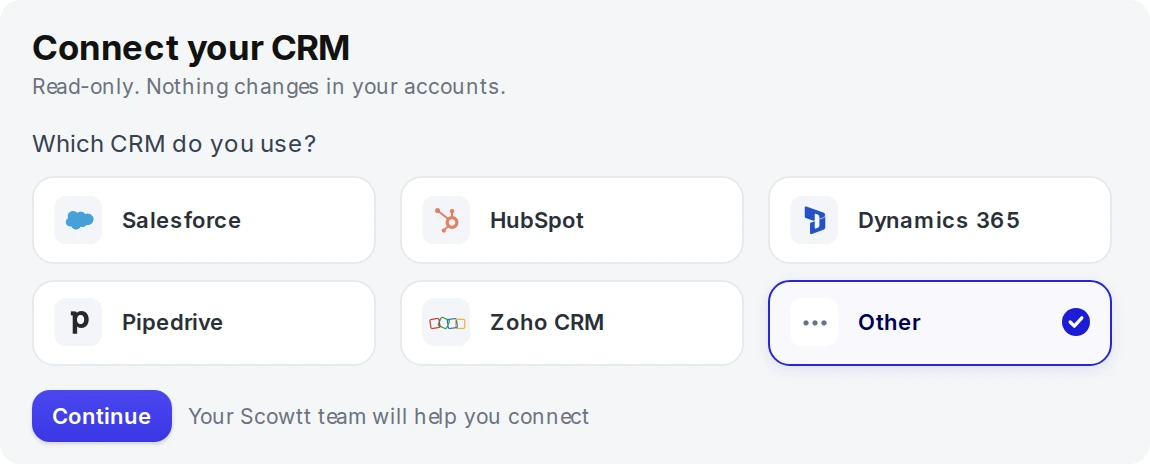
Log in to the Scowtt app and go to Integrations. Under Connect your CRM, select Other, then click Continue. Your Sales Rep or Account Manager will help you finish connecting Klaviyo.
-
Authorize access in Klaviyo
Sign in to Klaviyo and approve access through the standard OAuth screen.
-
Confirm the connection
Klaviyo should show as Connected in the Scowtt app. Your Scowtt team will confirm which data is used and validate the historical backfill with you.